Mobile Apps
Android App Development Company in Dubai & Saudi Arabia
Native Android apps in Kotlin — built for the devices your customers actually carry, tested on the networks they actually use, and maintained after launch. For businesses across the UAE, Saudi Arabia and India.
A native Android app is compiled against the Android SDK and runs directly on the platform, with no bridge or web view in between. That matters when an app has to do something the hardware is good at — sustained camera capture, background location, Bluetooth Low Energy, biometrics, or offline-first storage that survives a day without signal. In our experience those are the cases where native pays for itself; for a content or forms app it often does not, and we will say so.
Android is also the harder of the two platforms to get right, because you are not shipping to one device. You are shipping to a spread of screen sizes, OEM skins, chipsets and OS versions, several of which handle background work and battery optimisation differently from stock Android. A build that behaves perfectly on a Pixel can be quietly killed by an aggressive power manager on another handset.
We build with Kotlin, Jetpack Compose, coroutines and Flow, Room, WorkManager and Hilt. Where an older codebase is in Java with XML layouts, we do not insist on a rewrite — Kotlin interoperates with Java and Compose with Views, so migration can happen screen by screen while the app keeps shipping.
An honest word on scope. Native Android means a separate codebase from iOS. If you need both platforms and your app is mostly screens, lists and API calls, Flutter or React Native is usually faster and cheaper to maintain. We recommend native Android when there is a concrete technical reason for it — not by default.
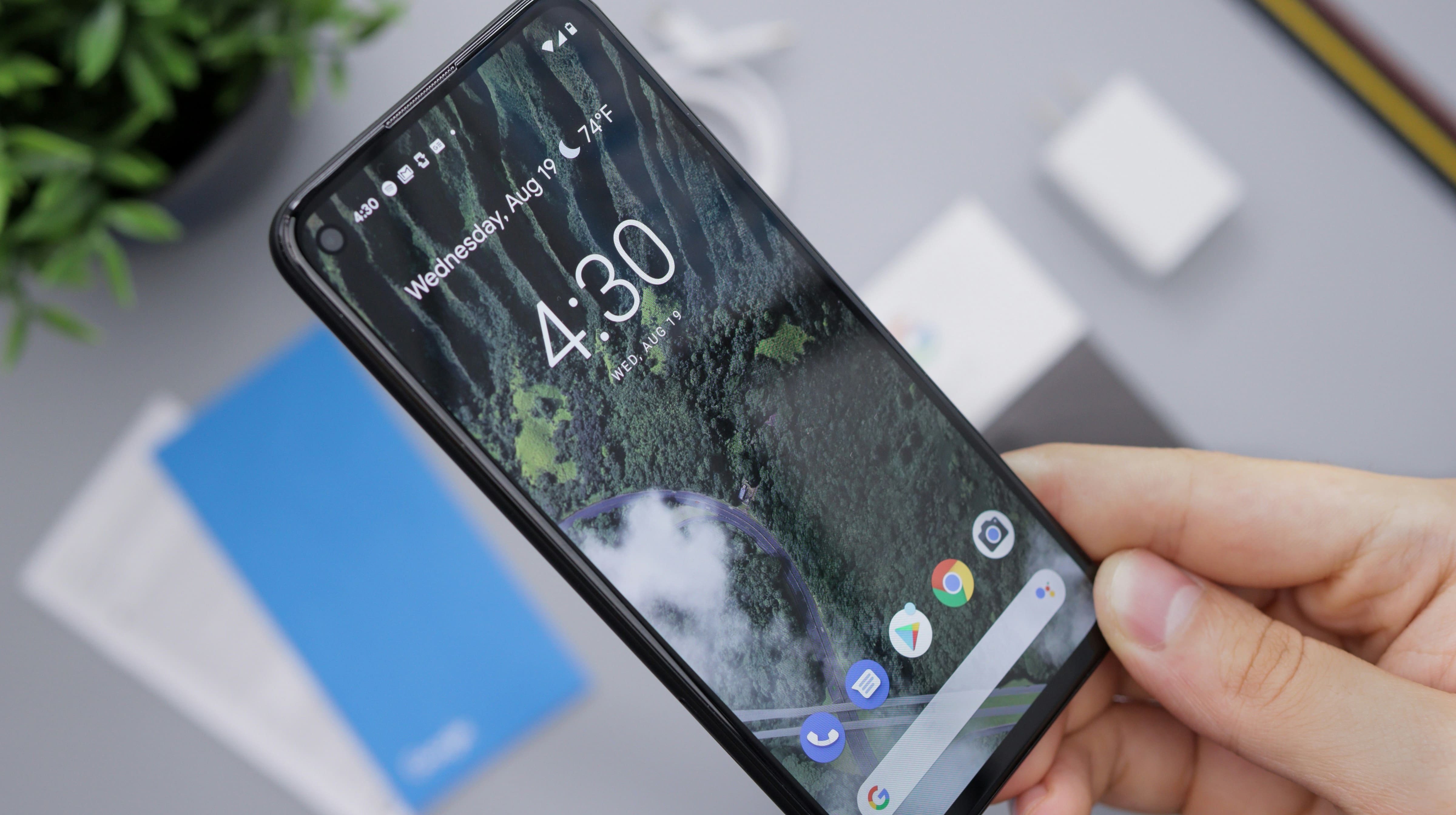
What we build for Android
The nine areas that make up most of our Android work.
Custom native apps in Kotlin
Greenfield apps on Jetpack Compose, coroutines and Room. We set up modularisation early, because Android projects that start as one module tend to become impossible to test by month six.
Device and OS compatibility
A sensible minSdk, scoped storage, runtime permissions including the notification permission added in Android 13, and testing on the OEMs that actually break apps — not just the emulator.
Offline-first and sync
A local database as the source of truth, with WorkManager reconciling when connectivity returns — the pattern behind our logistics work like OneTuch.
Hardware and sensor integration
CameraX, barcode and document scanning, BLE peripherals, NFC, background geolocation and geofencing — the work that genuinely justifies going native.
Security hardening
Android Keystore, EncryptedSharedPreferences, certificate pinning, BiometricPrompt, R8 and Play Integrity — scaled to the risk. A loyalty app and a payments app do not need the same controls.
Performance and battery
Cold-start work with Baseline Profiles, jank tracing via Macrobenchmark, bundle size reduction, and finding the wakelocks and unbounded background work that drain batteries and earn one-star reviews.
Backend and API work
Most Android apps are only as good as what sits behind them. We build the APIs and services too, so contract changes are not a two-team argument.
Play Store release management
App Bundles, Play App Signing, testing tracks, staged rollouts with halt thresholds, and the Data Safety declaration — a common cause of first-submission rejection.
Maintenance and modernisation
The annual target-API bumps Play mandates, dependency and Gradle upgrades, crash triage, and incremental migration of legacy Java or XML screens.
Native Android, or cross-platform?
This is the first decision on almost every mobile project, and the one most often made for the wrong reasons. The table below reflects how we actually advise.
| Consideration | Native Android (Kotlin) | Flutter / React Native |
|---|---|---|
| Both platforms needed | Two codebases, two teams, two release trains | One codebase; usually the pragmatic choice |
| Deep hardware or sensor use | Direct SDK access, no bridge to maintain | Workable, but often needs native plug-ins anyway |
| New Android platform features | Available on day one | Wait for the framework or write the binding yourself |
| Sustained CPU or graphics load | Best headroom and profiling tooling | Usually fine; ceiling is lower under real strain |
| Android-only internal tool | Little reason not to go native | Adds a framework you do not need |
Fragmentation is the real cost driver
Budgets slip on Android for predictable reasons. An OEM power manager kills your foreground service and push stops arriving. A mid-range device with a smaller heap runs out of memory on an image-heavy screen that was fine in testing. None of this shows up in a demo — it shows up in production crash reports, weeks later.
We plan for it by agreeing a real device matrix at the start, drawn from your analytics rather than from what is new, and a minSdk that reflects the actual install base. Tests then run on that matrix in CI.
Real Android work we have delivered
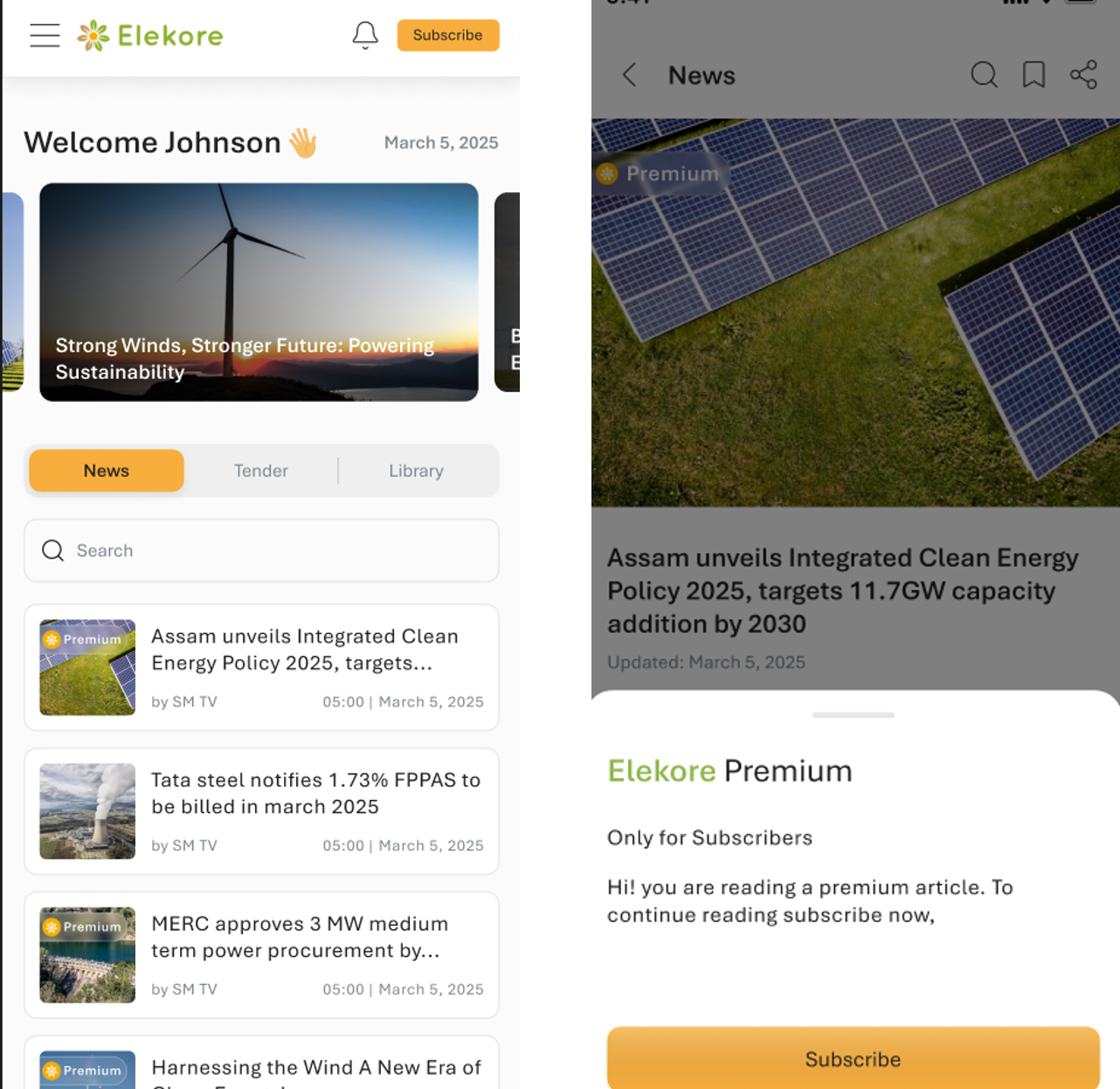
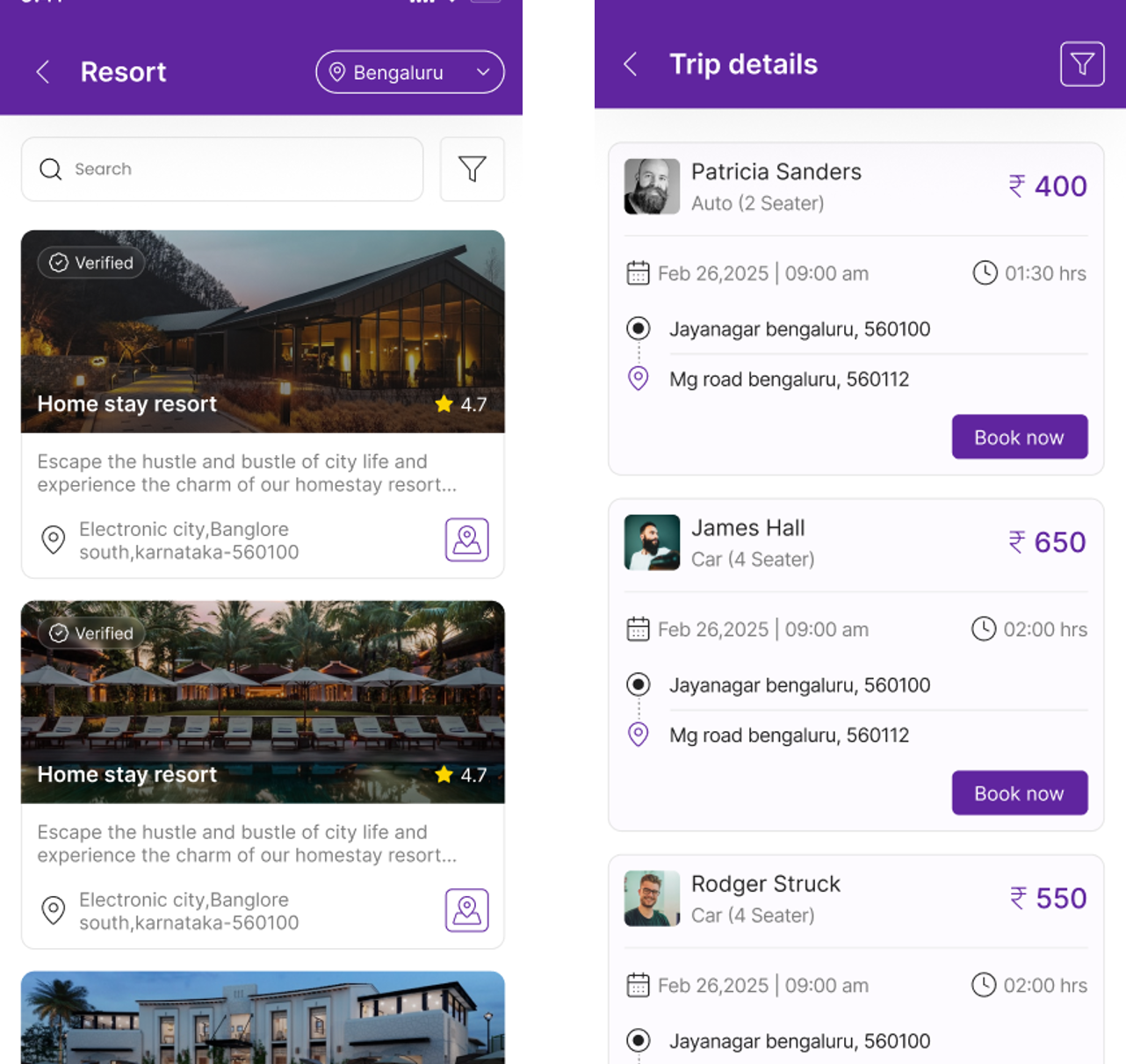
Two projects we have shipped: Energy Central, a news app with offline reading and push delivery; and OneTuch, combining logistics, carpooling and medical-emergency flows on top of background location.
The stack around the app
An Android build is never just the app. These are the pieces we most often assemble alongside a native Kotlin codebase.




What is different about the UAE, Saudi Arabia and India
Android's share of handsets here is high and skews further towards mid-range devices than in Western markets. That is not a footnote — it changes the minSdk you can justify, the memory budget you design to, and how far you can lean on newer APIs.
- Arabic and RTL, properly. Not a translation pass at the end. Layout mirroring, bidirectional text in mixed Arabic–English strings, Hijri dates and Arabic-Indic numerals where users expect them. Retrofitting RTL into a finished app is consistently more expensive than building for it from the first screen — our design team starts there.
- Payments and identity. Regional gateways and identity schemes such as UAE Pass carry their own review cycles, and are rarely quick. Schedule them early.
- Invoicing and tax. If your app issues invoices in Saudi Arabia it touches ZATCA — Phase 1 for generation (structured e-invoice, QR on simplified), Phase 2 for Fatoora integration with UBL 2.1 XML, cryptographic stamp, CSID/EGS onboarding, UUID and PIH chaining. Having delivered an ERP-integrated ZATCA e-invoicing solution, our usual answer is that the app calls a compliant service rather than implementing any of it on the handset.
- Data residency. Where regulation or a client's own policy requires data to stay in-country, that constrains region choice on AWS or Azure and shapes what the app may cache locally. Better settled before architecture, not after.
- Connectivity is uneven. Coverage in city centres is excellent; on industrial sites and in basements it is not. Offline-first is a requirement here more often than elsewhere.
How we deliver
Four phases, each ending in something you can look at.
1. Discovery
Who your users are and what they hold: device and OS distribution, the connectivity they work under, the hardware the app must touch. Output: a device matrix, a minSdk decision and a scope you can price.
2. Architecture & scope
Module boundaries, offline and sync strategy, API contracts, the security controls the risk warrants, and Arabic/RTL decisions taken up front. Output: an architecture we can defend and a backlog of shippable slices.
3. Build & validate
Two-week increments, each ending in a build on an internal testing track, with tests running in CI against the agreed matrix. You see progress on a real handset, not in a status report.
4. Launch & support
Play Console setup, Data Safety declaration and a staged rollout with a halt threshold on crash-free rate — then crash triage, performance monitoring and the annual target-API updates Google requires to keep an app listed.
Why work with Inovsion
We will talk you out of it
If cross-platform is the better answer, we will say so before you commit to two codebases. We would rather build the right thing than the larger thing.
App and backend under one roof
We also build custom applications, ERP and AI systems. When the API needs to change, it is one team, not a negotiation.
Regional and delivery reach
We work across Dubai, Riyadh, Jeddah and Bangalore, so Arabic support and local integrations are routine rather than exceptions. See our work.
Frequently asked questions
Should we build native Android or use Flutter?
Can you take over an existing Android codebase?
Yes, and it is common. We start with a review — dependency and Gradle state, target API level, test coverage, crash rate — then agree what to fix first. We do not open with a rewrite proposal; Java and Kotlin coexist, as do Views and Compose, so modernisation can be incremental while releases continue.
Which Android versions will the app support?
We set minSdk from your users' real device distribution rather than a default. Dropping older versions costs install base; keeping them costs engineering time on workarounds. Play separately requires apps to target a recent API level each year — a maintenance commitment we build into support.
Do you handle the Play Store submission?
Yes — App Bundle configuration, Play App Signing, testing tracks, listing assets and the Data Safety declaration. That last one causes more first-time rejections than teams expect, because it must match what the app and its SDKs genuinely collect.
Let's scope your Android app
Tell us what the app has to do and who will use it. We will tell you honestly whether native Android is the right call, and what it would take.
Or reach us directly: [email protected] · UAE / WhatsApp +971 50 626 8535 · India +91 98458 70246